Client access areas
Configuration, integration and implementation are adapted to the company’s real workflow.
Goatify builds business portals for clients, teams, documents, requests, dashboards, roles, forms and operational workflows connected to CRM and automation.

The same platform logic can connect visual presentation, CRM data, AI automation and operational workflows.


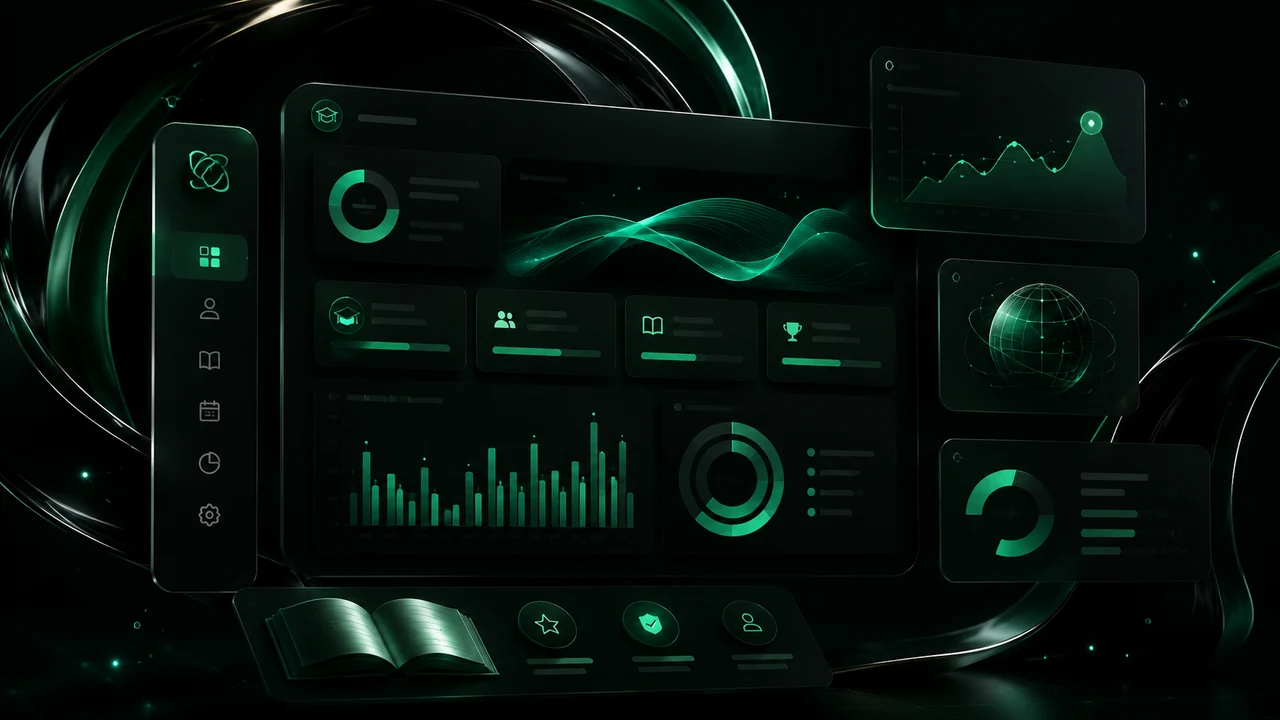
Business portals for clients, teams, documents, requests, dashboards, roles, forms and workflows connected to CRM and automation by Goatify.
Configuration, integration and implementation are adapted to the company’s real workflow.
Configuration, integration and implementation are adapted to the company’s real workflow.
Configuration, integration and implementation are adapted to the company’s real workflow.
Configuration, integration and implementation are adapted to the company’s real workflow.
Configuration, integration and implementation are adapted to the company’s real workflow.
Configuration, integration and implementation are adapted to the company’s real workflow.
A private portal gives clients and teams one place to access information, requests, files and updates.

When portal actions connect to CRM and tasks, teams avoid copying information manually.

A clear implementation path reduces risk, aligns teams and keeps the project focused on real business outcomes.
Each phase is reviewed with clear responsibilities and practical acceptance criteria.
Each phase is reviewed with clear responsibilities and practical acceptance criteria.
Each phase is reviewed with clear responsibilities and practical acceptance criteria.
Each phase is reviewed with clear responsibilities and practical acceptance criteria.
A private digital area where clients or teams can access information, requests, documents and workflows.
Yes. Different users can have different access and permissions.
Yes. Portal actions can feed customer records, tasks and dashboards.
Yes. Portals can be built for browser access and responsive use.
Yes. Forms and requests are common portal modules.
CRM, AI agents, websites, apps, portals, productivity and digital growth in one connected company.
Book a working session to define modules, channels, integrations and priorities.
Prices are billed in USD. Local currency values are indicative conversions. Confirm scope, taxes and payment fees in the quote.
Exchange rate reference · 2026-10-04